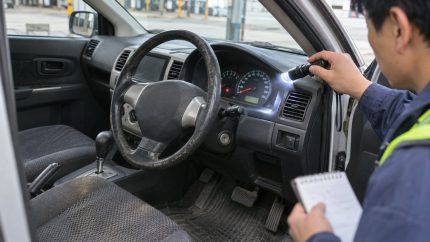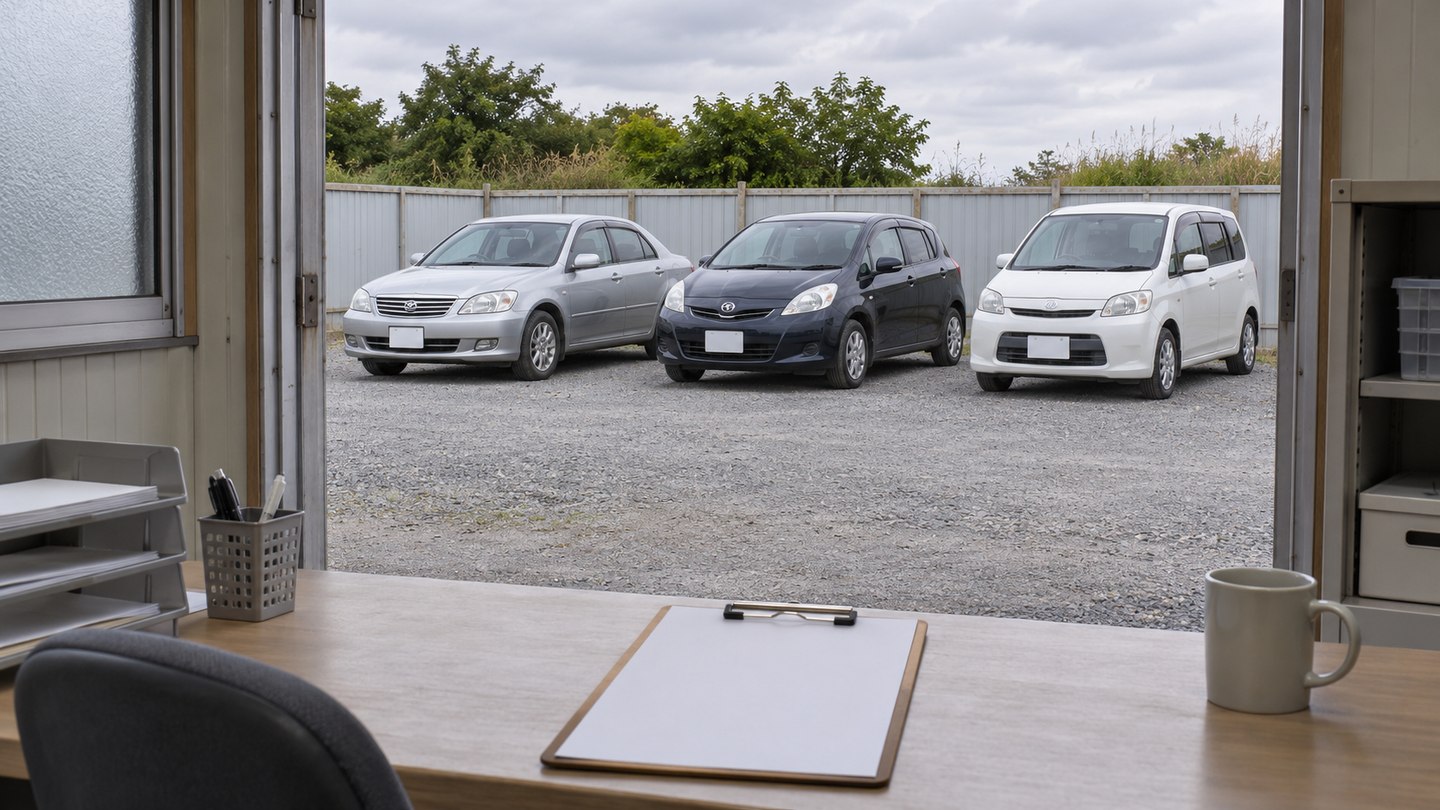
For a VAT-registered UK dealer, the NOVA process starts with matching each imported car to its customs and purchase records. Submit the Notification of Vehicle Arrivals to HM Revenue and Customs (HMRC) within 14 days of permanent arrival. HMRC lets VAT-registered businesses upload a spreadsheet for multiple vehicles. Check the outcome for each car before handing the file over for registration.
Key takeaways
- Assign the NOVA filing to a named person or authorized agent before the cars arrive.
- Use the current HMRC spreadsheet for the vehicle type and match every row to its documents.
- Track processed notifications by chassis number before applying to register each car.
Assign NOVA filing before the batch arrives
HMRC’s arrival notification guidance explains how filing differs for VAT-registered businesses and other importers. This guide covers VAT-registered dealers importing used passenger cars from Japan. If an agent is filing for you, confirm its HMRC online authorization before arrival. Official guidance was checked on 13 November 2026.
Agree who will record the date each vehicle enters the UK. If one order is split across two ships, use the arrival date of each car when tracking its deadline. Record the filing owner and an internal due date in the same list.
Match the records for every car
| Record | Check before filing |
|---|---|
| Vehicle identity | Compare the chassis stamp or VIN with the Japanese export record and the broker’s customs record. Check for missing characters, extra spaces and zeros changed by a spreadsheet. |
| Customs entry | Ask the broker for the entry reference or customs documents and identify which cars they cover. Keep the record with the corresponding chassis number. |
| Purchase record | Match the invoice or bill of sale to the car. If one invoice covers several cars, make sure the allocation for each car is clear to the filer. |
| Arrival record | Use the confirmed arrival date. Keep estimated vessel dates out of the filing record. |
If an identifier differs across records, send both versions to the exporter and broker. Ask which record needs correction before copying the identifier into the upload. Keep the original documents with the corrected record.
Use the HMRC spreadsheet for multiple vehicles
Download the current car spreadsheet from HMRC’s multiple-vehicle guidance. Transfer the confirmed data into that template and check the required columns. HMRC provides separate templates for other categories, including light commercial vehicles, so confirm the classification when an order includes both cars and vans.
Count the chassis numbers in the shipment, the rows in the upload and the vehicles in the customs records. Resolve differences before submission. Keep a copy of the submitted file and the filing reference with your shipment records.
Track the result before registration
Mark each car as filed, processed or awaiting follow-up. If you receive a query or cannot reconcile the result to a car, keep that vehicle’s registration file open and ask HMRC or the authorized agent what to correct. DVLA’s registration guidance requires confirmation that NOVA has been processed before registration. Vehicle approval and other registration documents are separate.
For the broader approval questions, see the UK, New Zealand and Australia comparison. Sumotori’s UK sourcing page describes the Japan-side export records your dealer team can request.
Frequently asked questions
What if an expected car is rolled to the next sailing?
Keep that chassis number out of the group marked as arrived. Update its arrival date and filing deadline when the broker confirms the later shipment has arrived.
This article provides general information. Confirm the current filing procedure, records and deadlines with your exporter and a qualified UK customs or tax specialist. This article does not constitute a public offer.